
Vitals vs Process Explorer
Process Explorer is the tool Windows engineers have reached for since the early 2000s. It is maintained by Microsoft as part of Sysinternals, it is free, and for digging into what a single process is doing it has more depth than Vitals does. Vitals aims at a different person: someone whose computer is slow and who wants to know why without learning what a handle is.
Side by side
Section titled “Side by side”| Process Explorer | Vitals | |
|---|---|---|
| Maker | Microsoft (Sysinternals) | Independent, open source (MIT) |
| Install | A single exe, no installer | Store, winget, Scoop or installer |
| Process tree, end tree, suspend, priority | Yes | Yes |
| Handles and loaded modules | Yes, searchable across all processes | Per process, read-only |
| Find which process holds a file | Yes (Find Handle or DLL) | When a file will not delete in Storage, it names the program |
| Signature checks and VirusTotal lookups | Yes | No |
| Threads, stacks, memory dumps | Yes | No |
| Plain-language diagnosis | No | Yes |
| Temperatures, SSD life, storage map | No | Yes |
| Startup apps and services | No (that is Autoruns) | Yes |
| Light and dark themes, Romanian | Dark mode in recent versions; English only | Both themes; English and Romanian |
| Phone view, Prometheus, CLI | No | Optional, off by default |
| Source code | Closed | Public |
Where Process Explorer wins
Section titled “Where Process Explorer wins”- Depth on a single process. Thread stacks, memory dumps, the full handle table with search across every process, DLL view, security tokens, GPU engines per process. If you are debugging software, Process Explorer is the right tool and Vitals is not trying to be.
- Trust checks. Verifying every image signature and sending hashes to VirusTotal from the process list is genuinely useful for spotting malware. Vitals does neither.
- Portable. One exe, no installation, nothing left behind. Vitals has to be installed.
- Made by Microsoft. It carries a Microsoft signature, which matters on managed machines.
Where Vitals helps more
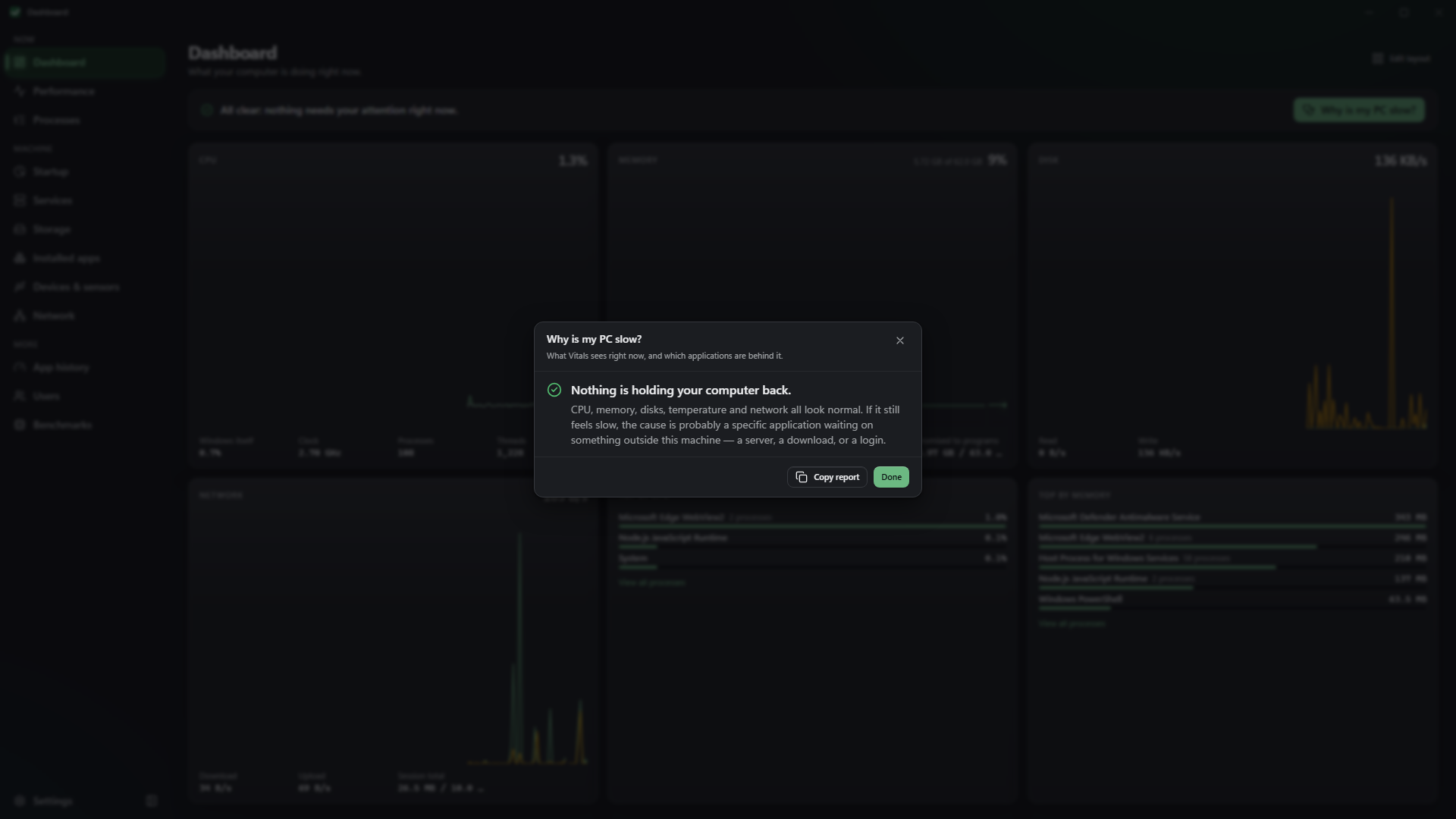
Section titled “Where Vitals helps more”- It answers “why”. Process Explorer shows everything and leaves the reading to you. Vitals correlates the readings and tells you which program is the problem, in a sentence.
- It covers the whole machine. Drive temperatures and rated life left, a disk space map with safe clean-up, startup apps and services, network connections, installed apps and devices — in one window, not across three Sysinternals tools.
- Consequences before actions. Ending or suspending a process says what will happen first, and anything Windows depends on asks before it is touched.
- Honest gaps. A reading Windows does not report is a dash, never a zero.
Use both
Section titled “Use both”Keep Process Explorer for the deep dive and the signature checks. Use Vitals for the daily look and for the question most people actually have. They do not conflict; both can be open at once.
Get it from the Microsoft Store
Other ways to install