
Vitals vs System Informer
System Informer, formerly Process Hacker, is the most powerful open-source process tool on Windows. It goes further than Process Explorer in places, and its kernel driver lets it see and do things no normal app can. Vitals is also open source, but it is built for a different question: not “show me everything about this process”, but “why is my computer slow, and what should I do?”.
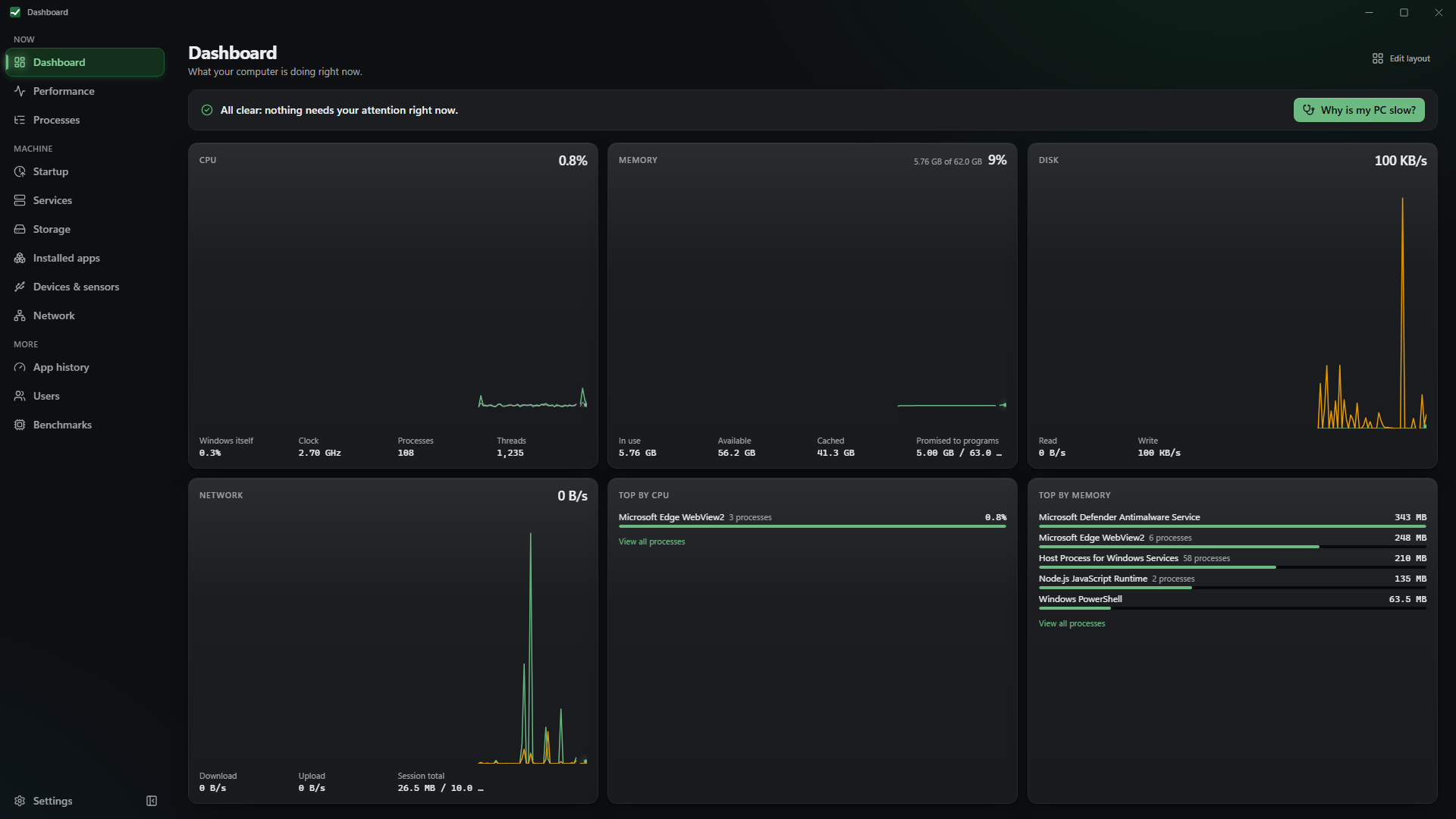
Side by side
Section titled “Side by side”| System Informer | Vitals | |
|---|---|---|
| Licence | MIT | MIT |
| Process tree, end, suspend, priority, affinity | Yes | Yes |
| Handles, modules, threads, memory editing | Yes, in depth | Handles and modules per process, read-only |
| Kernel driver | Optional, for protected processes | None. An optional sensors service reads CPU temperature only |
| Network connections per process | Yes | Yes |
| Disk and network I/O per process | Yes | Yes |
| Services | Create, edit, delete | Start, stop, startup type |
| Plain-language diagnosis | No | Yes |
| Drive temperatures, SSD life, storage map and clean-up | No | Yes |
| Lag watchdog | No | Optional |
| Phone view, Prometheus, Home Assistant, CLI | No | Optional, off by default |
| Microsoft Store | No | Yes |
| Plugins | Yes | No |
Where System Informer wins
Section titled “Where System Informer wins”- Raw power. With its driver it can inspect and terminate protected processes, edit memory, view kernel objects and much more. Vitals deliberately has no kernel driver for process work and will not touch a process Windows protects.
- Depth everywhere. Thread stacks, token privileges, job objects, memory regions, services you can create and delete. If you know what these are and need them, System Informer is the tool.
- Plugins and a long history. A plugin system and two decades of power users behind it.
Where Vitals helps more
Section titled “Where Vitals helps more”- It explains instead of listing. One button turns live readings into a verdict and names the programs responsible. System Informer gives you the data and expects you to know what it means.
- Safer by default. Every action that changes the system says what it will do first, the irreversible ones need an extra tick, and nothing runs as administrator unless you approve that one action through Windows’ own prompt.
- The rest of the machine. Drive health and temperatures, a storage map with clean-up that goes to the Recycle Bin, startup apps, installed apps and devices.
- Easy to get. It is in the Microsoft Store, with no SmartScreen warning and automatic updates.
Use both
Section titled “Use both”If you live in System Informer, keep it. Vitals is the one to install on a parent’s laptop, and the one to open when you want an answer rather than a table.
Get it from the Microsoft Store
Other ways to install